
Microsoft's Messenger client supporting webcams and audio IMPORTANT : Microsoft is replacing Windows Live Messenger with Skype . All your contacts will be moved automatically. Take a look at The Complete Guide to Moving from Messenger to Skype for more information, alternatives and tips.
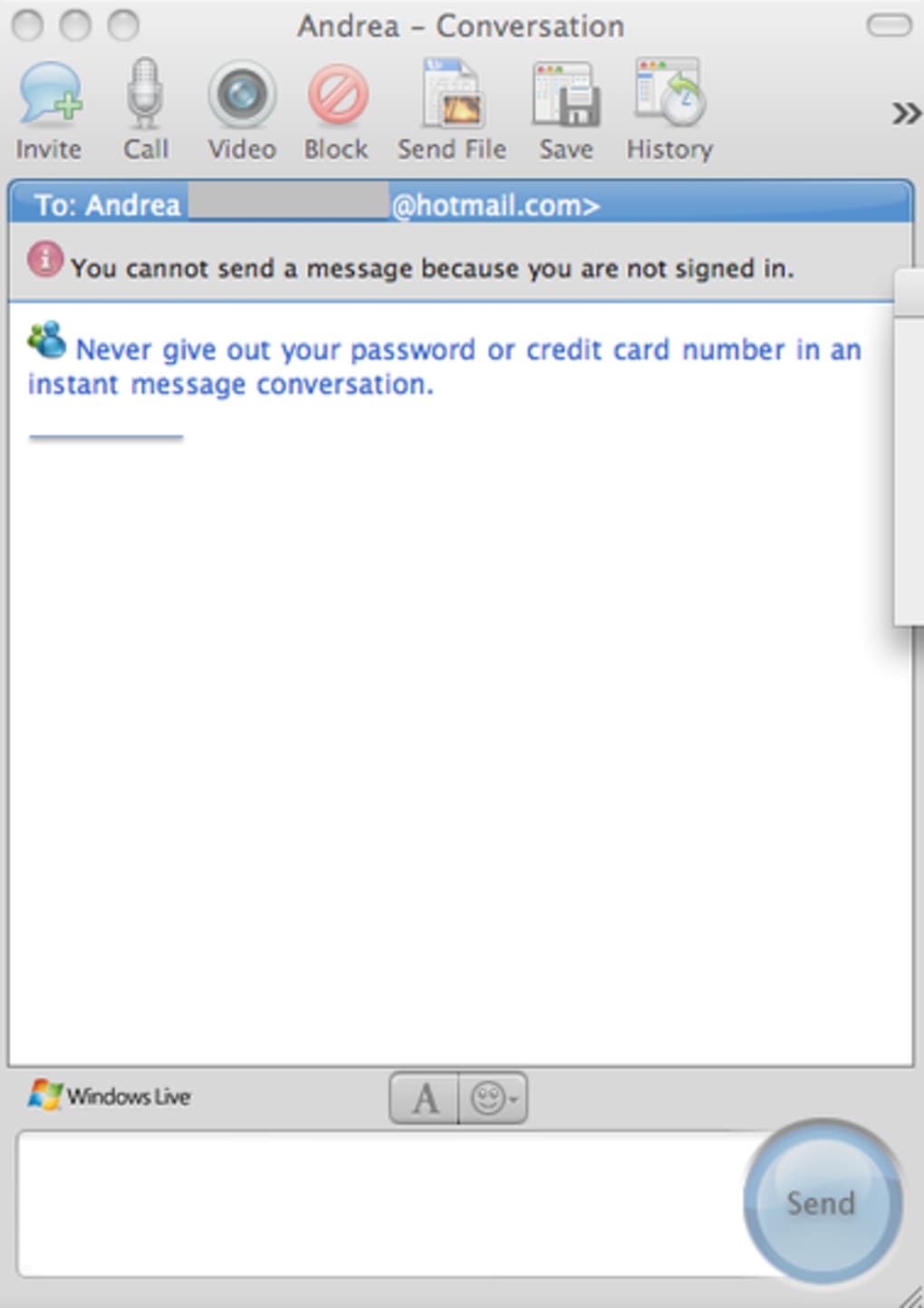
One of the biggest complaints Microsoft Messenger for Mac 7.0 users had is that webcams and audio are only supported in the corporate edition. That's all changed however with the release of Microsoft Messenger 8.0 which finally supports webcams and audio. There are no other major changes to the interface other than the addition of a video lens to start a chat and a microphone to start an audio chat .
You may have to open a port on your router to conduct web conferencing however, details of which can be found on the Microsoft website . You may also like 2.9 Free MSN Messenger MSN Messenger for Mac OS X 10.2.8 to 10.3.9 3 Trial version Billiards 3D simulation of five different billiards games 4 Free MSN Messenger Patch New Emoticons for MSN Messenger You'll obviously need to sign-in using your Windows Live account or sign-up for one if you haven't got one. Microsoft Messenger for Mac still offers Bonjour support and features like sending files, displaying a picture or emoticons are unchanged.
However, you can't drag and drop to send files yet and user profile pictures don't show up at all for some reason. It doesn't seem possible to change your own profile picture either. You can however still change your display name and add a personal message just by clicking on them and give nicknames to your contacts.
Just click on their display name and start typing. The search feature is really handy to quickly find a contact or email address. If you've been frustrated by Microsoft Messenger for Mac's lack of support for webcams and audio, you'll be delighted by this latest release.
Changes Taken out of Beta to coincide with release of Microsoft Office for Mac 2011 which includes Microsoft Messenger 8.







